For your clinic front desk
A clearer conversation at your clinic’s front desk.
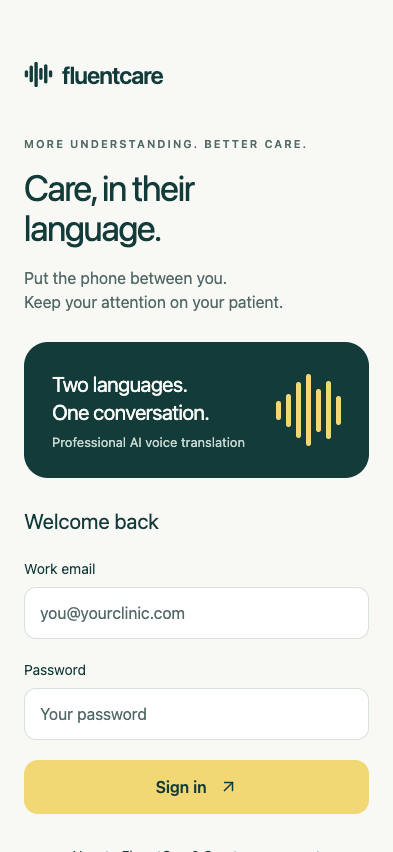
FluentCare provides two-way AI voice translation for routine clinic front-desk conversations, such as greetings and appointment scheduling. Staff take turns speaking, hear translated replies and can use optional captions. Start with a non-patient staff exercise while current release requirements are being confirmed.


Two-way spoken replies
Take turns and hear the conversation both ways.

Your staff, one clinic
Individual logins with a shared minute allowance.

A clear evaluation boundary
Use non-patient examples during release testing.
A little preparation. A natural conversation.
Make space for
both voices.
- 01
Choose the language
Select the second language available in your release.
- 02
Take turns speaking
Place the phone between you. Give each voice space.
- 03
Listen to the reply
Hear the translated response. Pause when something is unclear.



Practise one appointment question
Imagine a receptionist and colleague trying a fictional scheduling exchange. Use an invented appointment and no patient details. Choose the second language available in your release, place the phone where both people can hear and take turns speaking.
Check the controls together: can both colleagues hear the reply, find pause and recognise when clarification is needed? Keep a note of usability questions. This is an illustrative exercise, not evidence of translation accuracy or readiness for patient use.
Set up the team around the workflow
Owners manage clinic membership and the subscription. Front-desk staff use individual accounts and share the clinic’s minutes. Patients do not need a FluentCare account.
Choose your clinic’s interpreter escalation route before evaluating a tool. Keep the person responsible for access, staff questions and usage limits clear. Review the product overview and clinic pricing before planning access.
Designed for routine communication
For the everyday moments.
A warm hello
Greetings and everyday questions.
A routine check-in
Simple front-desk conversations.
The next appointment
Talking through a date or time.


A thoughtful place in your workflow
Know what to expect.
AI with clear limits
Keep the conversation within clear limits
AI translation can make mistakes. Use a qualified interpreter for informed consent, complex or high-stakes decisions, unresolved uncertainty, or whenever one is requested or required. FluentCare does not connect you to human interpreters or provide medical advice.
For a team checklist covering access, language evidence, privacy and cost, read how to evaluate translation apps for healthcare.
- Speak
- Translate
- Listen


Confirm availability and data handling
Current release testing uses non-patient information. Clinical language evaluation and provider healthcare/retention arrangements have not yet been verified for launch. Do not submit patient information until the applicable agreements and provider settings are confirmed for your clinic.
OpenAI processes audio for translation. FluentCare does not save conversation recordings or transcripts in its own application storage; provider processing and retention are separate. Review privacy and current release requirements, then find your owner or staff next step.
During release testing, use non-patient examples. Confirm applicable provider arrangements and language evaluation before patient use. Review evaluation details
Meet FluentCare
Live voice translation for your clinic team.
FluentCare translates spoken conversations both ways, with optional captions and shared minutes for your staff.